


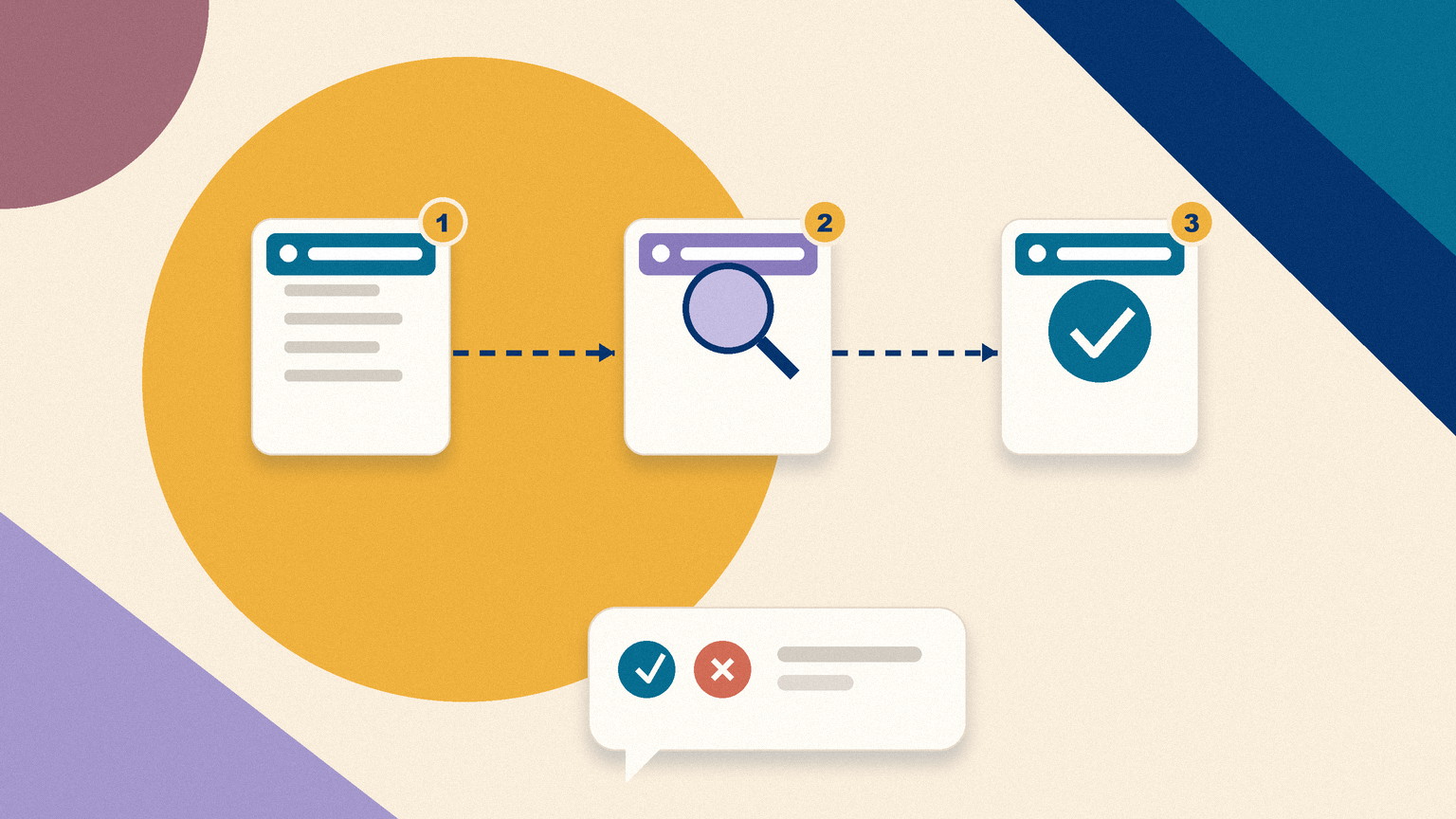
Most invoice automation demos end at extraction. The approval step is where finance work actually happens. Someone has to look at the total that does not match, the duplicate that might be real, or the PO that is almost exhausted, and decide what to do.
An approval is not a green checkmark. It is a decision with a reason and a record.
Why approval is the bottleneck after extraction
An extraction can be correct and still not be safe to pay. The invoice may duplicate one already in the ledger. The tax may have been applied to the wrong base. The supplier may have been matched to the wrong entity. The PO may have only a fraction of its balance left.
Those are not reading failures. They are decisions. When the decision lives in an email thread, the reason is lost and the record is incomplete. The approval workflow is what turns a draft into a bookable record.
The six stages of an approval workflow
- Intake. Collect the invoice from a shared inbox, an IMAP mailbox, or an upload.
- Extraction. Draft the invoice fields and line items.
- Verification. Re-read the draft against the source and check the numbers.
- Routing. Send only the exceptions to a person.
- Decision. Approve or reject with a reason.
- Posting. Send the approved invoice to accounting with the source attached.
The goal is not to remove the person from every invoice. It is to make sure the person only sees the invoices that need a decision.
What a good exception queue contains
- The source document beside the extracted record.
- The flagged field, highlighted in context.
- A plain-language reason: what is wrong and what to check.
- A clear owner or assignee, so the exception does not sit in a shared queue.
- Age and status, so the queue does not become invisible.
- A clear approve or reject action, with a place for the reason.
A confidence score alone is not an exception queue. The reviewer needs evidence and a decision, not a percentage.
Approving where the team works
Approval requests can post to a Slack channel with interactive approve and reject buttons. A rejection opens a short modal for the reason. The decision updates the invoice in the web app and lands on the same audit trail, whether it was made in Slack or on the desk.
That matters for adoption. If the approver has to leave Slack, open a separate tool, find the invoice, and repeat the decision, the queue slows down. If the decision can happen in the channel, the workflow fits the team instead of the other way around.
Roles, reasons, and the record
Approval is a team workflow, not a single permission. Recutr separates owner, admin, and member roles. Members can review invoices and make decisions. Admins manage integrations, setup, accounting connections, and deletes. Owners manage the team and keep the final control.
| Role | Can do | What is recorded |
|---|---|---|
| Member | Review, approve, reject, comment, mention a teammate | Decision, reason, timestamp, and actor |
| Admin | Manage integrations, setup, accounting, and deletes; review | All review events plus configuration changes |
| Owner | Manage the team and roles, keep final control | All of the above plus role changes |
Every approve or reject can carry a reason. The audit trail shows the upload, the extraction, the AI review, the flags, the decision, and the posting event. The question at month-end is not who might have approved an invoice. It is who did, when, and why.
A three-person finance team workflow
A small team does not need a complex approval matrix. It needs a clear default:
- The AP clerk monitors intake and the exception queue, and resolves simple mismatches.
- The controller reviews exceptions involving tax, PO balance, or duplicates.
- The owner approves high-value invoices and keeps the final control.
- The finance channel receives approval requests and rejection reasons.
- The weekly review checks open exceptions, posting failures, and the audit trail.
What to ask before you buy
- Can the reviewer see the source document beside the extracted fields?
- Is the reason for each flag written in plain language?
- Can approvals happen in Slack, and do the decisions sync back?
- Are owner, admin, and member roles separate?
- Does the audit trail show the upload, extraction, review, decision, and posting?
- Can a rejection reason be required?
- Do you charge per approver?
A practical test
Take one invoice with a deliberate mismatch between the line items and the total. Run it through the workflow. The useful demo is not the one that extracts the fields. It is the one that notices the mismatch, shows why, routes it to a person, and records the decision.
Then reject it in Slack with a reason and confirm that the reason appears on the invoice. Automation should remove the keying, not the accountability.