


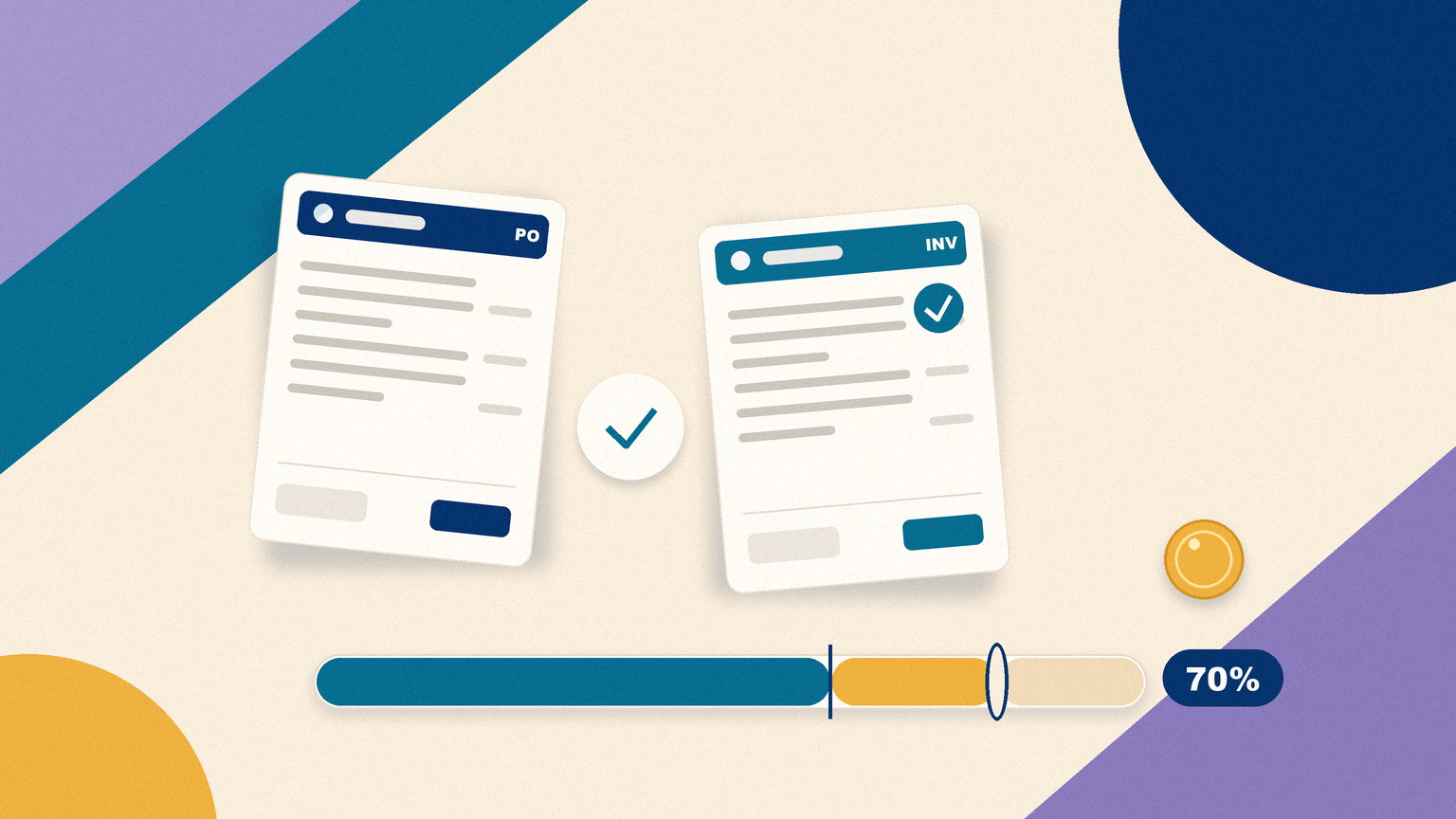
Most PO matching software looks the same in a demo: pick an invoice, pick a purchase order, show a green check. The differences show up when one PO is billed across three invoices, when a deposit arrives first, or when the final invoice crosses the remaining balance.
A PO match is only as good as the balance it leaves behind.
What PO matching software does
At its simplest, PO matching compares an invoice to the purchase order it references. It checks the vendor, the currency, the amount, and the quantities or line items. When the invoice consumes part of the order, the software should track what remains.
The detail matters. Header-level matching compares the totals. Line-level matching compares each line. Three-way matching adds a receipt, so the invoice is checked against what was ordered and what actually arrived.
Two-way, three-way, and what you actually need
- Two-way matching compares the invoice to the purchase order. It catches wrong amounts, wrong vendors, and invoices that exceed the order.
- Three-way matching adds a goods receipt. It catches invoices for goods that were never received, or quantities that do not match the delivery.
- Line-level matching compares individual lines: description, quantity, unit price, and line total.
Most small and mid-sized teams should start with two-way header matching and partial billing. That catches the expensive mistakes without requiring a receiving process. Three-way matching is valuable, but only if the receipt data is real and current.
The question that separates tools: cumulative or one-shot?
The most common failure is a tool that compares every invoice to the original PO total. A 30% deposit matches. A 30% balance also matches. The second invoice can pass even though the PO is now 60% billed, because the tool never added the first invoice to the balance.
Cumulative matching fixes that. Each accepted invoice moves the billed total up and the remaining balance down, so the next invoice is checked against what is actually left. Ask the vendor to demonstrate this with three invoices against one PO, not one invoice against one PO.
What the balance view must show
- Ordered: what you committed to buy.
- Billed: what suppliers have invoiced against the PO, excluding rejected, void, duplicate, and currency-mismatched invoices.
- Remaining: what is still available to bill.
- Linked invoices, with review status and approver.
- An over-billing flag on the invoice that crosses the remaining balance.
An invoice that references no PO should not quietly consume the balance. An invoice that crosses the remaining balance should become an exception, not a new column in a spreadsheet.
What to look for in PO matching software
- Cumulative matching, so a PO billed across several invoices keeps one running balance.
- Vendor normalization, so case, spacing, and punctuation do not create two POs.
- Currency-aware matching, so a CNY PO and a USD invoice do not compare as equal numbers.
- PO import from a CSV or an existing system.
- An audit trail for matches, exceptions, edits, and status changes.
- Matching that never auto-approves an invoice. Matching is a control, not an approval.
How Recutr matches POs
Recutr imports purchase orders from a CSV and captures a printed PO reference during invoice extraction. Matching compares the normalized PO number, vendor, currency, and total. The match is recorded as matched, unmatched, or an exception, and the PO's billing position is tracked separately as open, partially billed, fully billed, closed, or cancelled.
The PO detail page keeps ordered, billed, and remaining in one view, with the linked invoices and their review status. An invoice that crosses the remaining balance is flagged, and the match is recorded on the invoice and the PO audit trail.
| Scenario | What the software should show | What to do |
|---|---|---|
| Invoice for the full PO | Matched; remaining is zero | Approve and close the PO |
| 30% deposit | Partially billed; remaining is 70% | Approve, keep the PO open |
| 40% partial shipment | Partially billed; remaining is 30% | Approve, keep the PO open |
| Invoice exceeds remaining | Over-billed exception | Review before payment |
| Wrong vendor or currency | Match exception | Resolve before approval |
The three-invoice test
Take one PO and run three invoices against it: a 30% deposit, a 40% partial shipment, and a 30% balance. After each invoice, check the ordered, billed, and remaining numbers. Then run an invoice that exceeds the remaining balance and confirm that it becomes an exception.
If the remaining balance and the linked invoices are not on one screen, the control is still manual. If a match auto-approves the invoice, the control is also manual, just with more software around it.
What to ask before you buy
- Does it match cumulatively, or only one invoice against the original PO total?
- Can it handle deposits and partial shipments?
- Does it flag the invoice that crosses the remaining balance?
- Does it compare vendor, currency, and total, or only the PO number?
- Can I import POs from a CSV?
- Does it show the linked invoices and their approval status?
- Does matching auto-approve? It should not.
- Does it support line-item or three-way matching? If not, is that on the roadmap?
The spreadsheet is not the problem. The problem is that the balance lives in one place and the invoice lives in another. Put them on the same desk, and month-end becomes a review instead of a rebuild.