


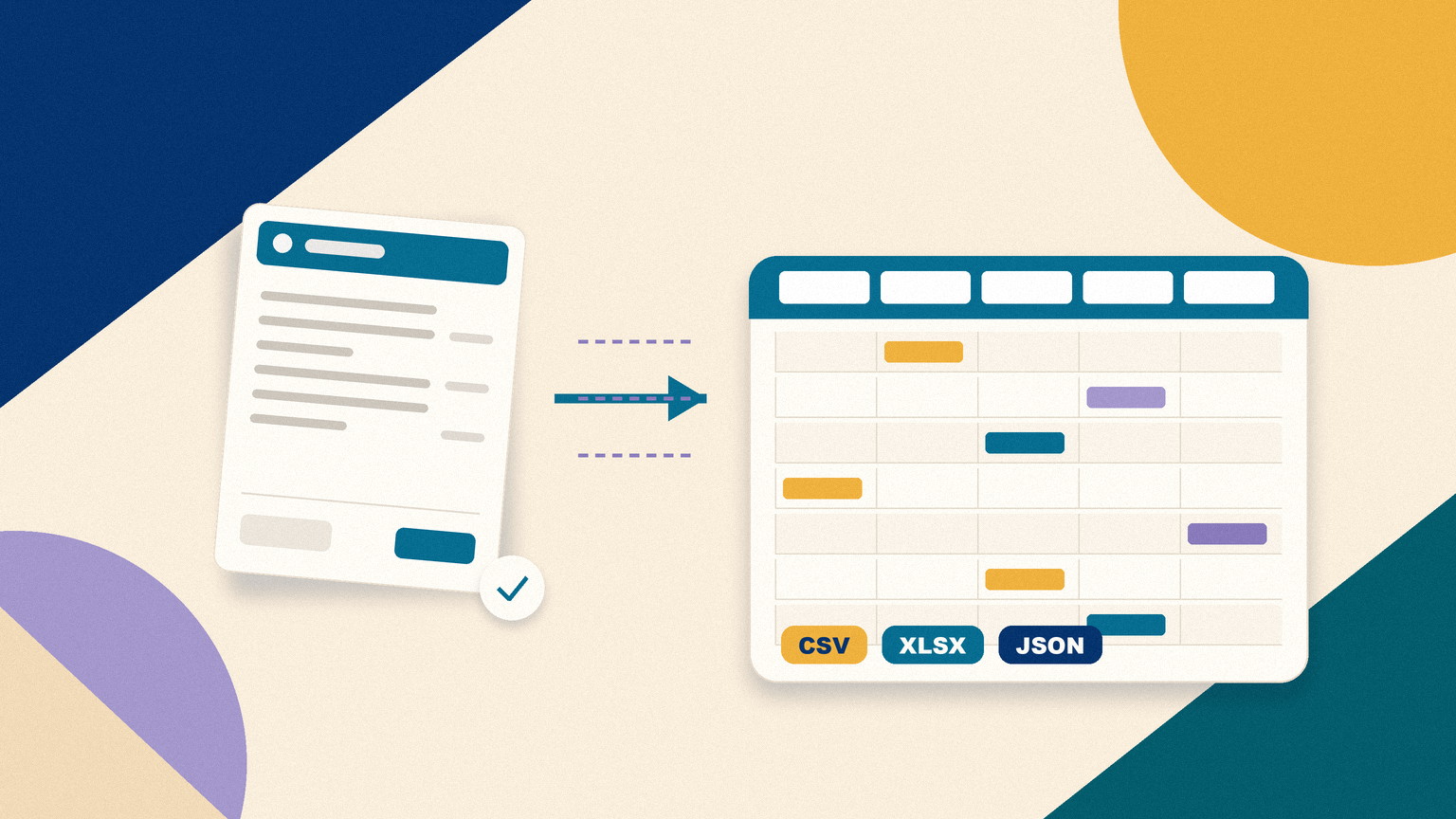
Not every invoice needs to end in an accounting ledger. Some teams need a spreadsheet for the controller, a JSON file for a data pipeline, or a live Sheet that the operations team can filter. The export is part of the product, not an afterthought.
An export is only useful if the row still points back to the document.
What a useful invoice export contains
- Header fields: vendor, invoice number, invoice date, due date, currency, subtotal, tax, total, and amount due.
- Line items: description, quantity, unit price, and line total.
- PO data: PO number, match status, match issues, and the remaining balance where available.
- Review data: status, approver, approval time, and the reason for a flag.
- Currency data: base currency, base total, FX rate, FX date, and FX source.
- Control data: duplicate link, document ID, document type, and the source link.
Most exports have the header fields. The difference shows up in the last four rows. If the export drops the PO status or the source link, someone has to join it back by hand.
CSV vs Excel vs JSON vs Sheets
| Format | Best for | Watch out for |
|---|---|---|
| CSV | Universal import, scripting, quick checks | Flat rows; line items need a summary or a second table |
| Excel | Finance review, formatting, pivots | Copies drift from the source; version control |
| JSON | Data pipelines, nested line items, application handoff | Schema changes; not readable for most finance teams |
| Sheets | Live collaboration and filtering | Permissions and drift; it is a mirror, not the record |
The line-item problem
A flat spreadsheet has one row per invoice. A line-item table has one row per line. You cannot have both in a single CSV without choosing a representation.
Recutr's CSV and Excel exports keep one row per invoice and pack a readable line-item summary into a column. The JSON export keeps the full line-item array. If you need one row per line in a spreadsheet, export JSON and reshape it, or use the Sheet and build a second tab.
Keep the source link
The row should tell you which document it came from. A document ID and type are the minimum. A source link is better. In the Sheets mirror, Recutr includes the source file, the Drive file, and the Recutr invoice link, so a reviewer can move from the row to the document in one step.
The CSV and Excel exports do not embed the PDF. They include the document ID and type, and the source stays on the invoice record. That is enough to retrieve it without searching an inbox.
When exporting beats posting
- The team uses a ledger or ERP that is not QuickBooks Online or Xero.
- An approval happens outside the accounting system and the export is the handoff.
- A data team needs invoice data in a warehouse.
- A controller wants a filtered working file for month-end.
- A migration needs a clean, source-linked extract of the current records.
Exporting is not a failure to integrate. It is the right control when the destination is not an accounting bill.
How Recutr exports
The invoice list exports CSV, Excel, and JSON. The export respects the current filters and pages through every matching record, not just the rows visible on screen. Approved and non-duplicate invoices can also mirror to a Google Sheet, with PO, approval, FX, source, and Drive links.
CSV, Excel, and JSON are on-demand downloads. The Sheet is the live mirror. Accounting posting is separate: an approved invoice can post to QuickBooks Online or Xero with the source attached, or export to a file, but the two paths should not be mixed for the same invoice.
A five-minute export audit
Export last month's invoices and check five things before you trust the file:
- Does every row have an invoice number, vendor, currency, and total?
- Are the line items present, or at least summarized with a document ID?
- Is the PO status and remaining balance on the rows that have a PO?
- Do the FX fields show a rate, date, and source, or a clear error?
- Does the row count match the filtered list in the app?
A good export is boring. The columns are there, the totals reconcile, and every row can be traced back to a document. The exciting version is the one where someone finds the missing invoice three weeks later.
What to ask before you buy
- Which formats are supported, and does JSON include line items?
- Does the export respect filters and include every matching page?
- Are PO match status, approval, and FX fields included?
- Is there a source link or document ID on every row?
- Can approved invoices mirror to a live Sheet?
- Is the export a one-off download, or can it be scheduled?
- Does posting to accounting attach the source document?