


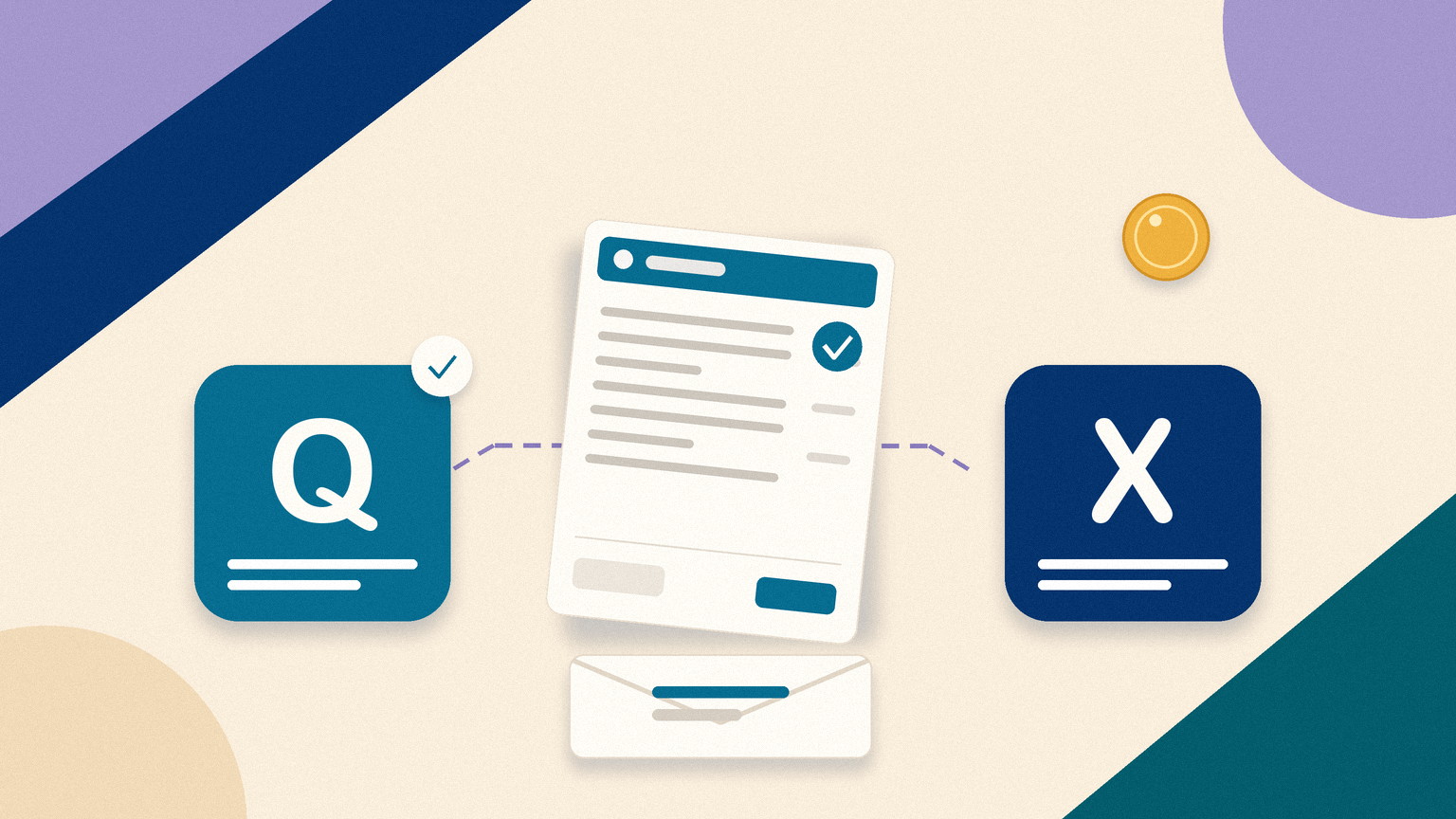
Most invoice automation demos stop at extraction. A PDF goes in, structured fields come out, and the screen looks finished. For a finance team, the work is not finished. The useful endpoint is an approved bill in QuickBooks Online or Xero, with the source document attached and a record of who approved it.
An extraction is a draft. A posted bill is a record.
What invoice automation should actually do
A complete workflow has five steps, and each one has to hand off cleanly to the next:
- Intake. Collect invoices from a shared Gmail inbox, an IMAP mailbox, or a direct upload.
- Extraction. Classify the document and draft the invoice fields, including line items.
- Verification. Re-read the draft against the source, check the numbers, and flag uncertainty.
- Review. Send exceptions to a person with the source beside the record.
- Posting. Create the bill in QuickBooks Online or Xero and attach the source file.
If a tool does the second step and stops, you still own the last three. That is not automation. It is a faster first step.
Where extraction-only tools stop
An extraction API can return a supplier, an invoice number, a total, and a table of line items. It usually cannot answer the questions that decide whether the invoice should be paid: Is this a duplicate? Does the PO have room left? Who approved it? What happened when the accounting sync failed?
Some tools hand you a CSV to import. That moves the work into a spreadsheet and a posting run. It also breaks the link between the posted bill and the source document. When an auditor asks for the invoice behind a bill, someone has to search an inbox.
QuickBooks Online: what gets posted
Recutr posts an approved invoice to QuickBooks Online as a bill. The invoice number becomes the bill number, the supplier is resolved against your existing list or created when it is missing, and ambiguous or inactive suppliers stop the run instead of guessing. Account and tax mapping are configured once by an admin.
The source PDF or image is attached to the bill, and the PO number is written to the bill's private note. Posting can happen automatically on approval or as a reviewed batch. If the provider rejects a bill, the failure is visible per invoice, with retry and release. Voiding is provider-aware.
Xero: what gets posted
The same approved record posts to Xero as an ACCPAY bill. The supplier becomes a contact, the invoice number becomes the bill number, and the PO number goes into the bill reference. The source file is attached to the bill.
The differences are mostly in provider behavior, not in the workflow. One desk, one review decision, and one approved record feed either ledger.
| Step | QuickBooks Online | Xero |
|---|---|---|
| Document | Bill | ACCPAY bill |
| Party | Supplier | Contact |
| Invoice number | Bill number | Invoice number |
| PO reference | Bill private note | Bill reference |
| Source file | Attached to the bill | Attached to the bill |
| Failure handling | Per-invoice retry or release | Per-invoice retry or release |
| Void | Provider-aware void | Provider-aware void |
The review gate before posting
Posting is not the same as approving. An extraction passes through an AI review that re-reads the draft against the source. Only an explicit clean review can auto-approve. A flagged total, a low-confidence field, a duplicate, or a PO exception goes to the desk.
A person sees the source document beside the extracted record, the reason for the flag, and the approve or reject action. Every decision carries a reason and lands on the audit trail. Only approved invoices post.
The 20-invoice test before you buy
Bring twenty real invoices, redacted if needed. Include the documents that usually break a demo:
- A duplicate that was already paid.
- A PO billed across more than one invoice.
- A credit note or a negative line.
- An invoice whose total does not match its lines.
- A scan with a stamp, a signature, or a handwritten adjustment.
- A supplier whose name appears differently on two invoices.
Watch the whole path, not just the extraction. Does the system notice the mismatch? Does it show the source? Can a reviewer approve in Slack? Does the bill post with the PDF attached? Can you retry a failed post and void a duplicate?
What to ask before you buy
- Does it post bills directly, or stop at a CSV export?
- Is the source document attached to the posted bill?
- How does it resolve an existing supplier or contact?
- Can a failed posting be retried without re-keying the invoice?
- Can a posted bill be voided from the same record?
- Does the audit trail show the approval and the posting event?
- Is pricing per desk or per seat?
The right answer is not the longest feature list. It is a workflow where the invoice, the review, the approval, and the posted bill stay connected.